How to enable 2 factor authentication
step 1 - Log into the SmartHub App
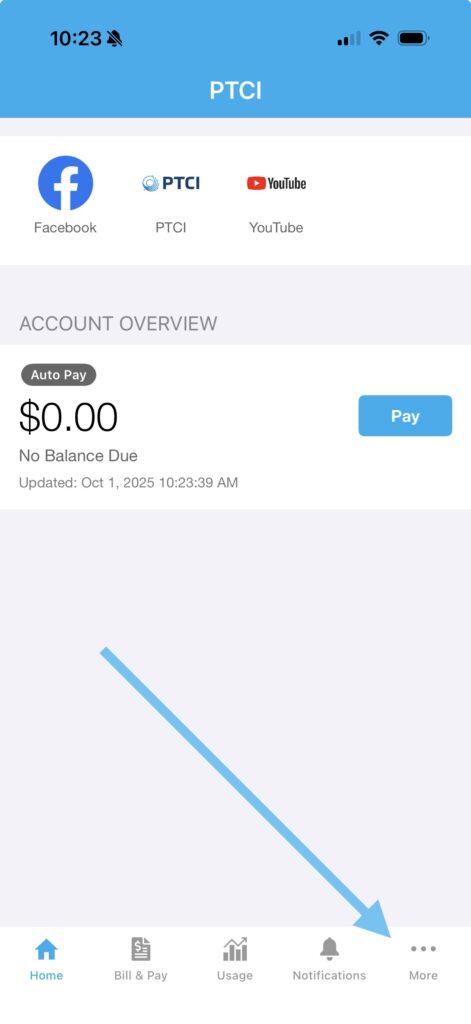
step 2 - Click the three dots in the bottom right corner.
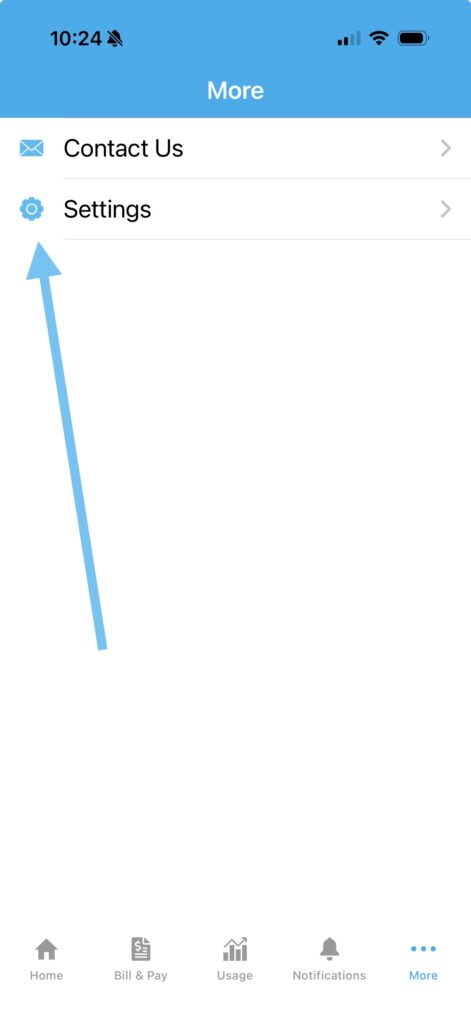
step 3 - Click "Settings"
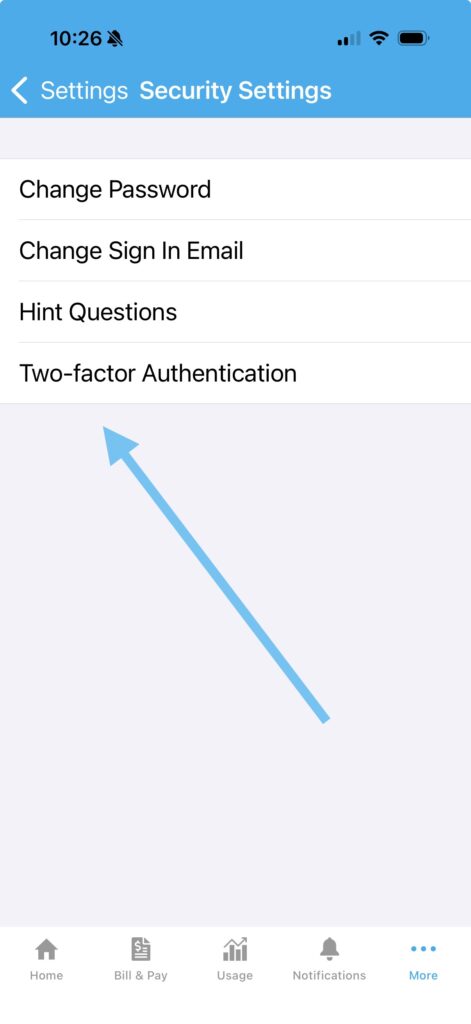
step 4 - Click "Security Settings"

step 5 - Click "Two-factor Authentication"
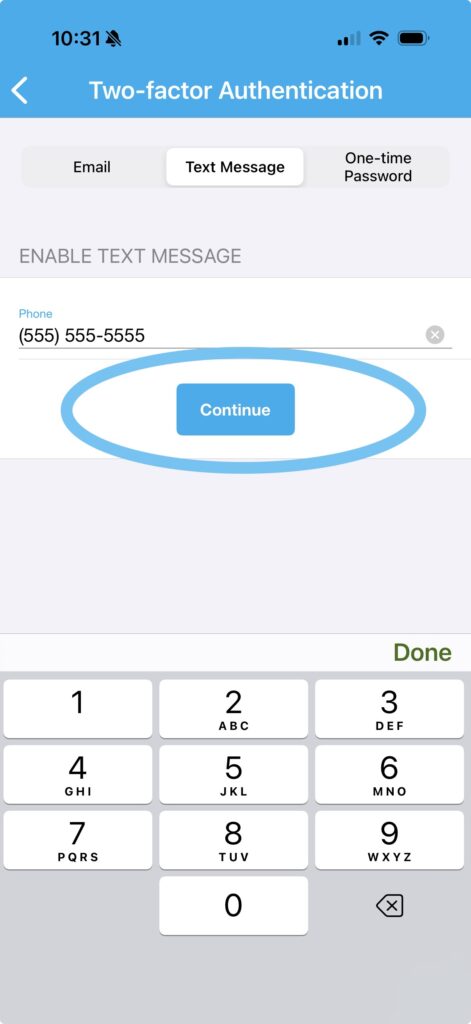
step 6 - Select preferred authentication method
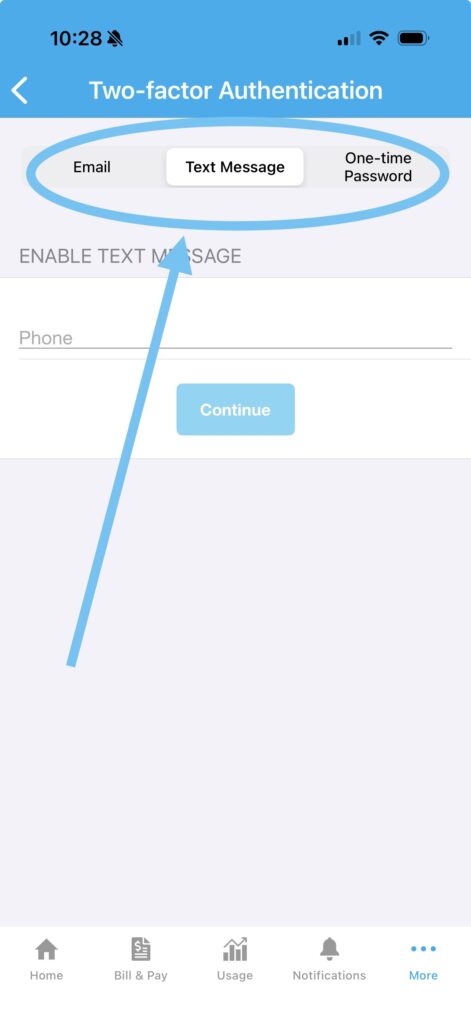
step 7 - Click "Continue"